
A calendar for what you eat
Drop your recipes onto the days of the week. You decide every meal, and you can move one to Thursday when Tuesday runs late.
- Plan breakfast, lunch or dinner
- See the whole week at a glance
- Built from your recipe book
Meal plans · recipes · shopping lists
Parklifat keeps your recipes, the week’s meal plan and the shopping list in one binder you fill in yourself. Nothing is guessed for you, so every line is something your household really eats.
Drawn from your own recipe book
The same list as the demo below
Only the recipes you add
Tasks, activities and battery dates
Example binder. Tap the tabs, tick a line, drag this note.
The dividers
Each part links to the next: a product you add once shows up in recipes, plans and lists.
Drop your recipes onto the days of the week. You decide every meal, and you can move one to Thursday when Tuesday runs late.

Write down the dishes your household already loves, with ingredients taken from your own product list. Grandma’s soup sits next to Friday pizza.
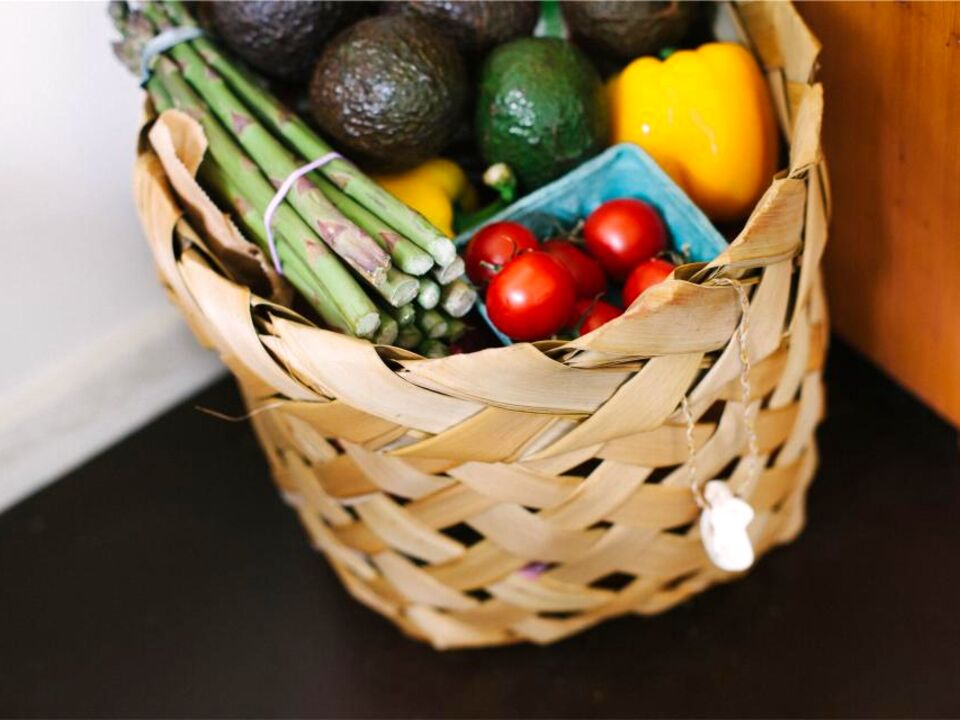
Add products from your catalog or a one-off item, set the quantity and the day you need it, then tick lines off as they go in the basket.

Give each product a name, a category and a unit such as grams, litres or pieces. From then on it is one tap away in every recipe and list.

Keep chores, family activities and equipment beside the food. Add a battery with the date you last changed it and how often it lasts, and the binder keeps the schedule.
Try it
Tap a product from the example catalog or type a one-off item, choose how many and when you need it, then tick it off. The List tab at the top of the page fills in as you go.
Example list, saved only in this browser
Through the week

Sit down with the calendar and your recipe book.

The list is on your phone, ticked off line by line.

Tonight’s recipe is already in the binder.

Add a one-off item for Saturday’s guests.

Pizza night, exactly as planned.
Getting set up
Start with the things you buy every week. Name, category, unit. Done once.
Pick ingredients from your products and add the steps you already know by heart.
Put meals on the calendar, build the list, and take it to the shop on your phone.
Good to know
Plans
Every plan includes meal plans, recipes, lists, the catalog and the household side. Cancel from your profile whenever you like.
Questions
No. You choose every meal from your own recipes and place it on the calendar yourself, so the plan always fits your household.
You add a product once with its category and unit. After that you can pick it as a recipe ingredient or add it to a shopping list without typing it again.
Yes. Any list takes one-off items, such as birthday candles, with their own quantity and due date.
Tasks, family activities, equipment and batteries. For a battery you enter the date it was last replaced and how long it lasts, and Parklifat keeps the schedule.
Any phone, tablet or laptop with a modern browser. One login opens the same binder everywhere.
Yes, on plans that show a trial line, such as a 3-day trial. The price after the trial and the billing period are shown on each plan before you subscribe, and you can cancel from your profile.
Open your profile, go to your subscription and cancel there. You can also contact our support team.